
Three hands-on fixes for the stuff that derails week one: visibility, boundaries, and the awkward silence after meetings.
Your availability has to be readable at a glance
The fastest way to tank a remote transition is to make everyone guess. Guess if you're heads-down writing, guess if you're in a meeting, guess if you saw the message and are ignoring it. In an office, people get that information for free. At home, you have to replace it on purpose.
I do it with two layers: one for the team and one for the people in my house. For the team, I treat my Slack status like a tiny contract. Not a vibe, a schedule. I set it to something specific like "In Figma, back at 2:30" or "On Zoom, will reply after", and I pair it with a calendar that has real blocks, not a graveyard of tentative invites. If your company uses Google Calendar or Outlook, the trick is to keep the titles boring but informative: the meeting name, or the actual deliverable you're building. The moment I started doing that, the random mid-task pings dropped, not because people got nicer, but because I stopped forcing them to wonder.
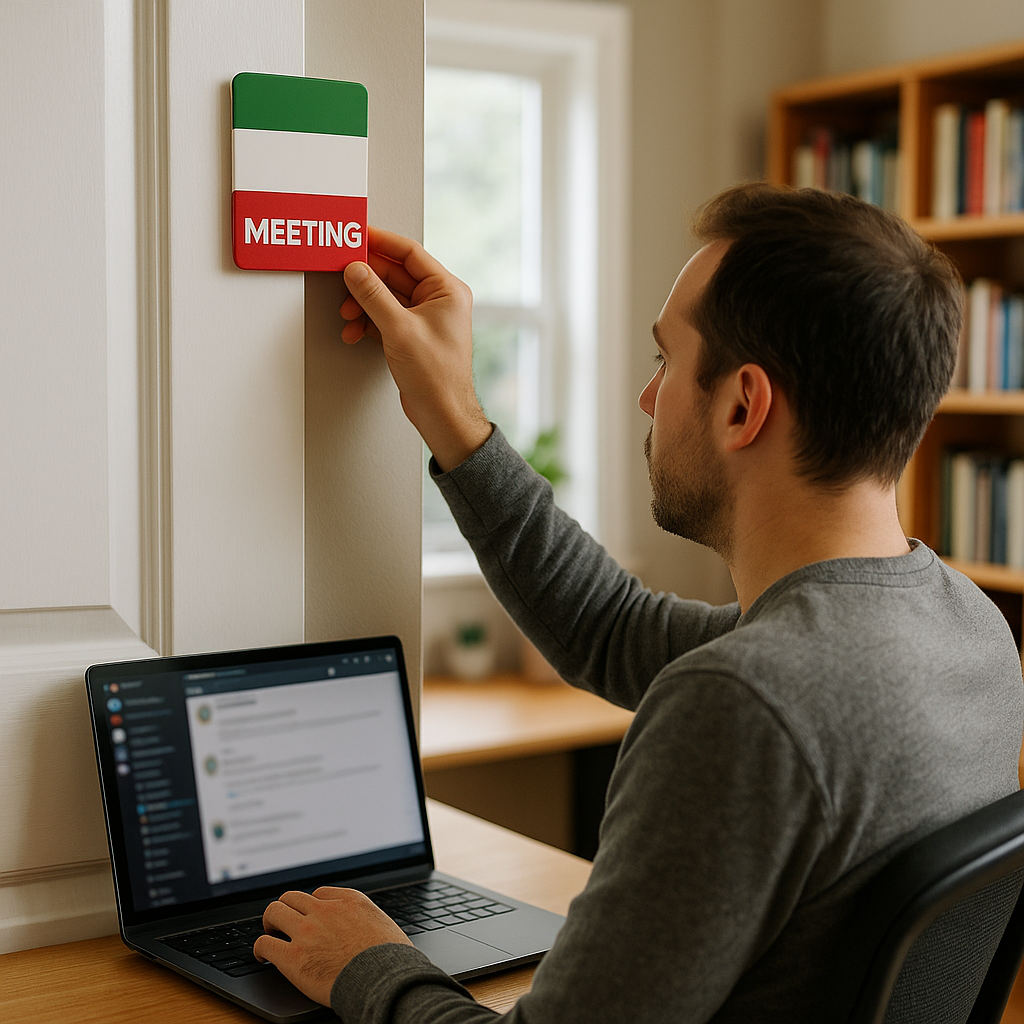
Then there's the home layer. I have a literal door sign that flips between three states: recording, meeting, and open. It's not cute. It's legible from the hallway. When I'm recording a Loom or on a client call, it saves me from the constant half-apology of "one sec" while I mute. If you don't have a door, put it on the back of your chair or your monitor. The point is the same: your availability should be readable without a conversation.
This also gives you a clean way to be responsive without being interrupted. When I'm in a focus block, I don't disappear. I set a 25-minute timer, and at the end I do a quick sweep: email, Slack, whatever project tool we're in (Asana, Jira, Notion), then I go back under. People learn your rhythm fast when you make it visible.
Stop trying to recreate the office desk at home
The mistake I made in my first serious remote stretch was thinking the goal was to rebuild my office desk in miniature. Same layout, same everything, just with worse lighting and more laundry nearby. It took me a week to admit the obvious: home isn't the office, so the win condition is different.
What matters is not aesthetics. It's failure-proofing the three things that ruin remote days: audio, power, and posture. If any one of those is flaky, you'll spend your working hours doing micro-fixes and feeling vaguely behind.
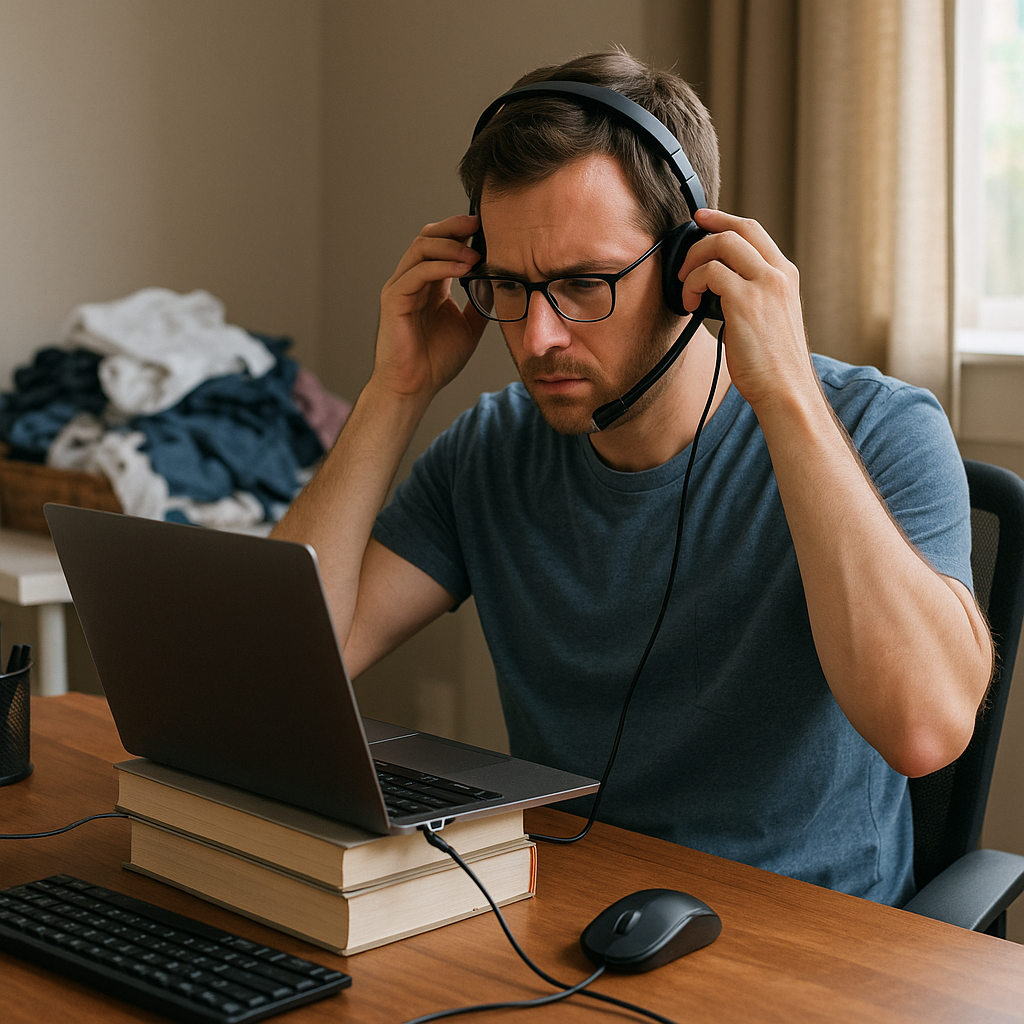
Audio first, because nothing burns trust faster than sounding like you're calling from a tunnel. I keep a dedicated headset (I've used a basic Logitech USB one for years) that lives on a hook next to my desk. Not in a drawer. Not in my backpack. If I have to go hunting, I will start the meeting late, and then my brain will spend the first ten minutes trying to catch up. If you prefer a mic setup, fine, but commit: one default, always plugged in, always selected in Zoom or Google Meet. And in Zoom, set the speaker and mic once, then stop fiddling. Consistency beats tinkering.
Power next. I learned to treat my laptop charger like a fixed appliance. One stays at the desk. The travel one stays in the bag. That one change killed the daily "I'm at 12%" anxiety. Same for a cheap power strip: laptop, monitor, and phone all plug into it, and the strip is the thing I switch off at night so I don't wake up to a half-charged mess.
And posture: I don't mean an expensive chair. I mean your camera angle and where your arms land. Stack two hardcover books under the laptop if you don't have a stand. External keyboard and mouse if you can swing it. The first time I did this, I realized half my remote fatigue was just my neck doing dumb work all day because my screen was too low.
Once those three are stable, you can add niceties. A second monitor. A nicer lamp. But don't start there. Start by removing the little failures that make remote work feel like constant improvising.
Replace hallway chat with two repeatable touchpoints
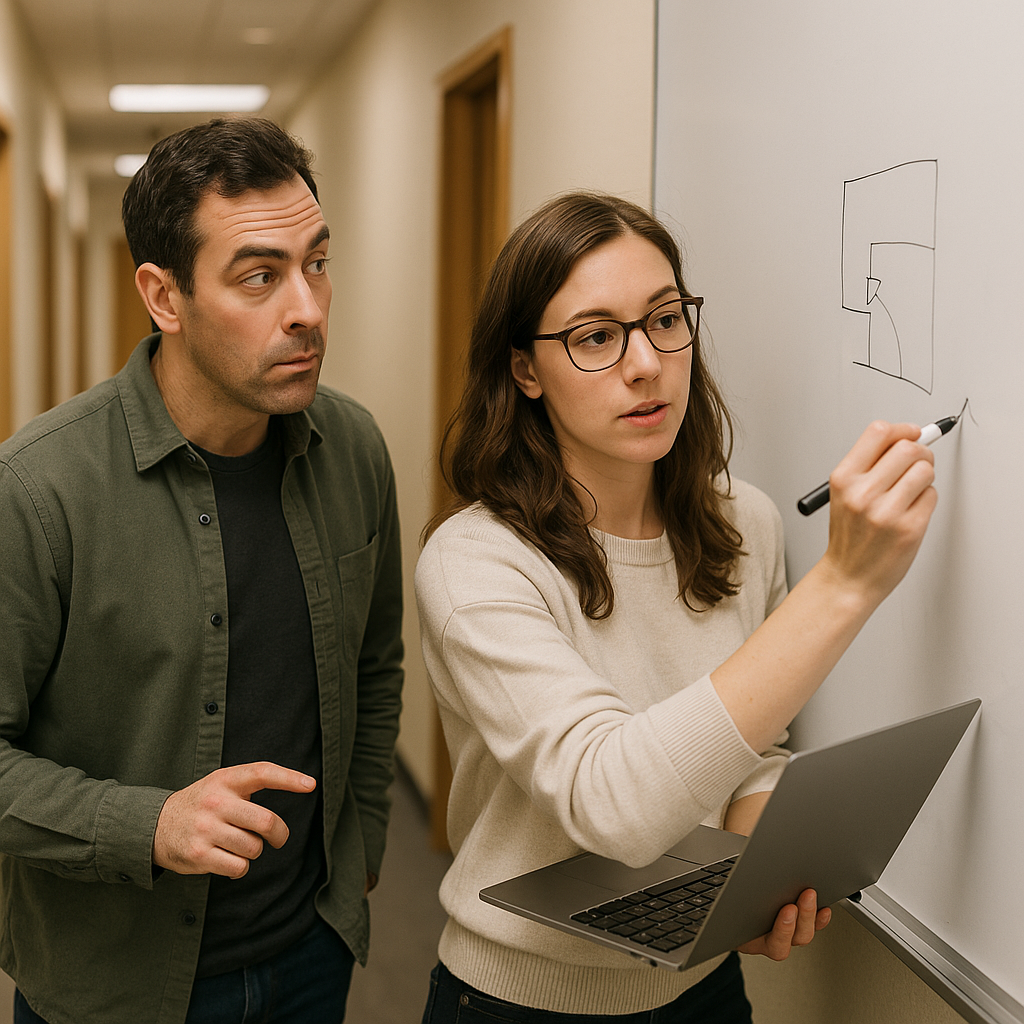
When people say remote work feels isolating, they're usually not talking about loneliness in a big, dramatic sense. They're talking about the loss of the tiny hallway confirmations: the quick yep, I saw it, the raised eyebrow that means a deadline is fantasy, the five-minute sketch on a whiteboard that saves you two hours.
You can't copy that perfectly, but you can replace the function with two touchpoints that are so predictable nobody has to negotiate them every time.
Touchpoint one is a written daily pulse that lives where your team already works. For me, that's a Jira comment or a short Slack thread in the project channel. It's three lines, tops: what moved yesterday, what's blocked, and what I'm doing before lunch. I post it at the same time each morning. Not because I'm trying to perform productivity, but because it prevents the slow-burn confusion of wait, who's doing that? If your team uses Notion, drop it in a standing page. If you're in Microsoft Teams, same idea. Keep it boring. Boring is scalable.
Touchpoint two is a 15-minute open tab call twice a week with one person you actually coordinate with. Not a team standup. Not a status meeting. It's literally both of you on camera with whatever you're working on, and you use the time for the stuff that never makes it into agenda bullet points: "Is this the right direction?" "Did you read the tone on that email the same way I did?" "If we ship this Friday, what breaks?" The first time I tried it, I was surprised how much friction disappeared just from having a place to ask the small questions.
One practical rule: end meetings with a written artifact. A Jira ticket updated, a Google Doc decision, a Slack message that says who owns what. Without that, the post-meeting quiet turns into everyone privately guessing. And guessing is where remote transitions go to die.